Pressure Inheritance: Native Pencil Tool vs. Enhanced Pencil Tool in Illustrator
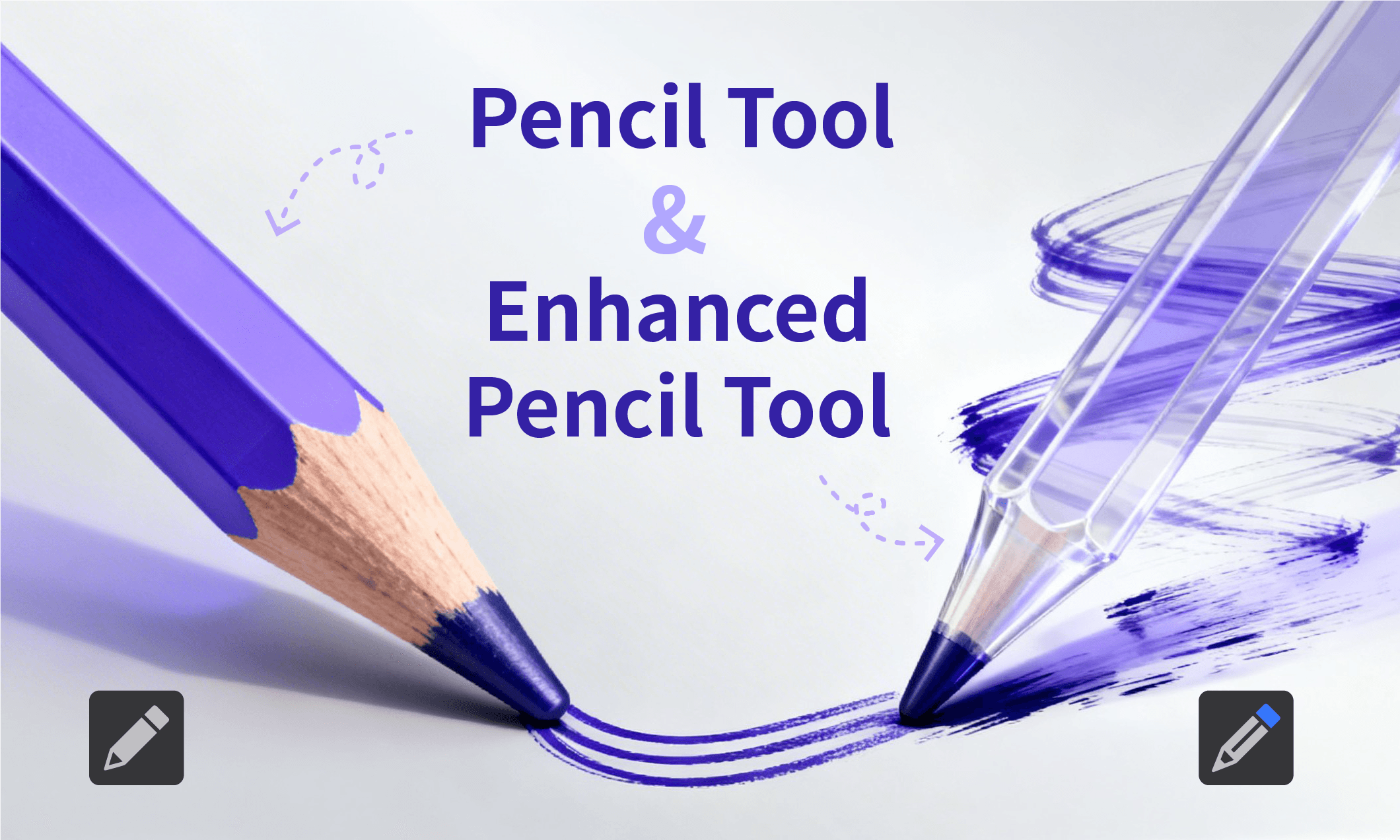
While Illustrator’s Pencil Tool enables freeform path creation with brush effects, it does not preserve stroke input data—such as pressure or tilt—when used with a digital pen. Even with well-defined brush settings, the Pencil Tool cannot natively reproduce the same stroke characteristics, often requiring manual readjustment.
This article examines these limitations and introduces how IllustKit’s Enhanced Pencil Tool leverages a “Stroke Memory” mechanism to capture, replicate, and reuse brush effects.

Blind Spots of Native Tools: The Pencil Tool’s Inability to Inherit Brush Dynamics
When drawing paths with Illustrator’s native Pencil Tool, the system applies the current appearance settings—such as color, stroke weight, or brush type. However, these settings do not preserve the dynamic input data generated by a digital pen during the drawing process, including:
Pressure-sensitive width variations
Brush shape changes triggered by pen tilt (e.g., flattening or rounding)
Brush shape changes triggered by pen tilt (e.g., flattening or rounding)
As a result, even if the original stroke contains rich pressure or tilt nuances, these details are not inherited when creating a new path with the Pencil Tool. For workflows that require a consistent hand-drawn style or repeated stroke effects, this often leads to time-consuming manual adjustments.
IllustKit Enhanced Pencil Tool: Recording and Replicating Brush Dynamics
To address the limitations of the native Pencil Tool, IllustKit introduces the Enhanced Pencil Tool, designed to record and apply dynamic brush attributes, enabling efficient reuse of specific stroke effects.
🔹Automatic Inheritance of Brush Dynamics:
The Enhanced Pencil Tool captures dynamic input data—such as pressure, tilt, or bearing—from a previous path or selected object. When drawing a new path, these attributes are automatically applied, reducing the need for manual readjustment.
🔹Real-Time Brush Source Switching:
When working with multiple brush objects containing varied width profiles adjusted via IllustKit, brush styles can be switched seamlessly during the drawing process:
Draw a path using the Enhanced Pencil Tool.
Hold Ctrl/Command to temporarily switch to the Selection Tool.
Select the brush object to use as a reference. The tool samples its dynamic attributes.
Release Ctrl/Command and continue drawing.
This workflow enables efficient sampling and application of different brush dynamics, allowing for smooth transitions between stroke styles.
Benefits of the Enhanced Pencil Tool for Designers
Minimized Repetitive Adjustments:
Reduces the need for redrawing or manually adjusting brush dynamics when creating series-based illustrations or consistent typography styles.Consistency Across Strokes:
Ensures that each stroke follows the same brush dynamics, resulting in a more cohesive and consistent visual style.Efficient Stroke Style Switching:
Enables quick sampling and application of different brush styles during drawing, supporting flexible exploration of line variations.Streamlined Creative Workflow:
By reducing manual parameter adjustments, designers can focus more on line work and composition rather than technical configuration.
Explore the Enhanced Pencil Tool in Illustrator with IllustKit